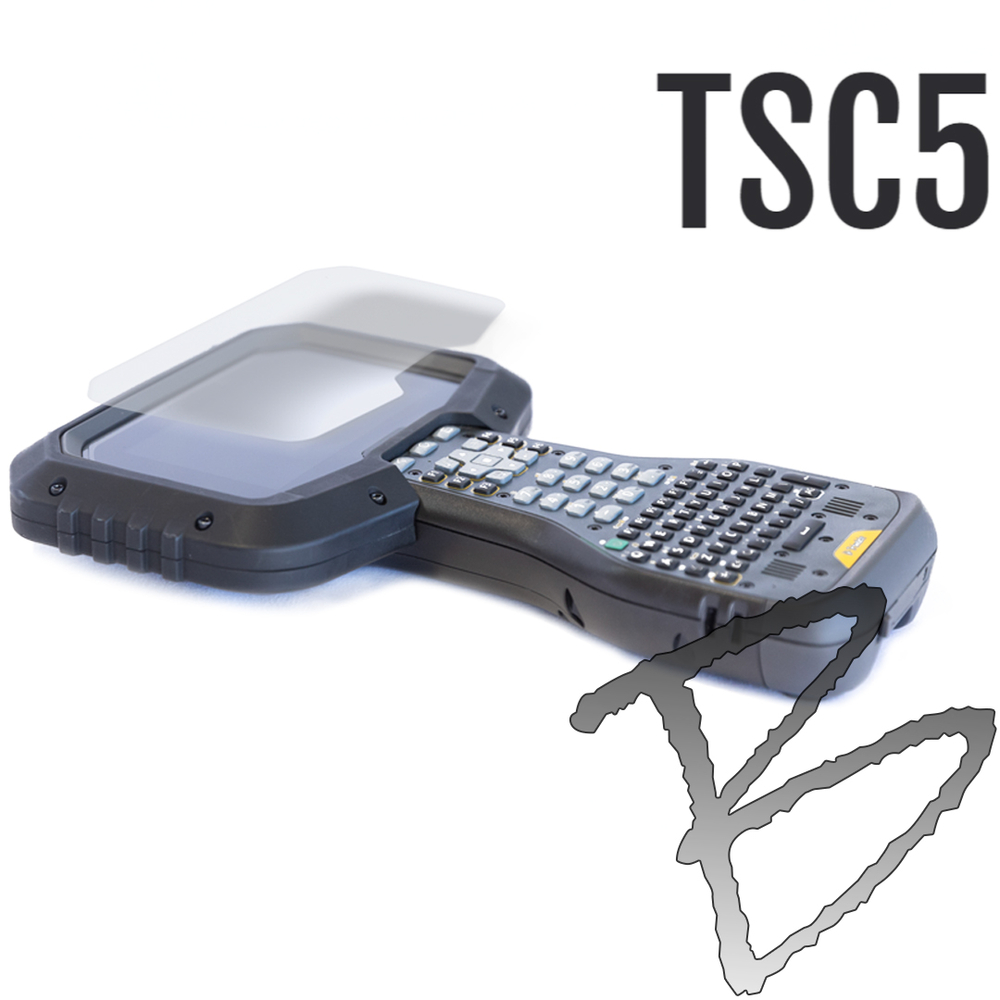
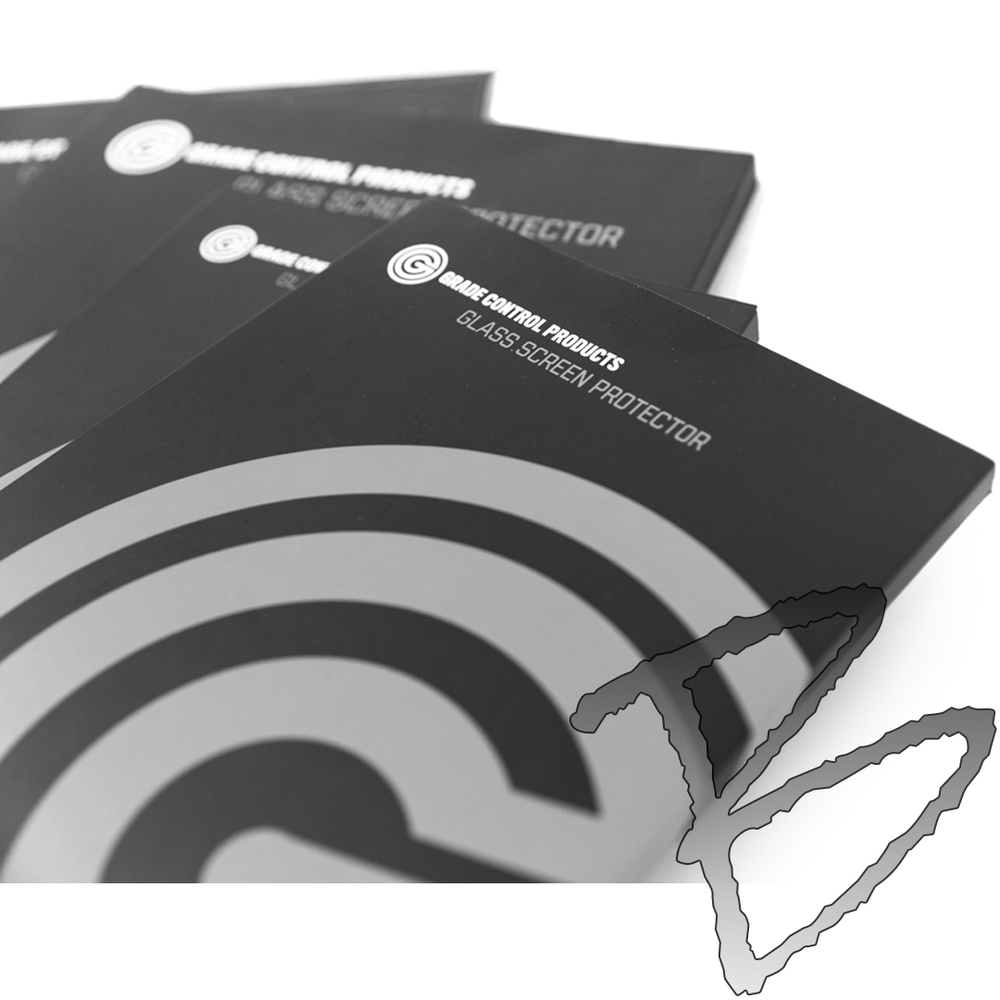
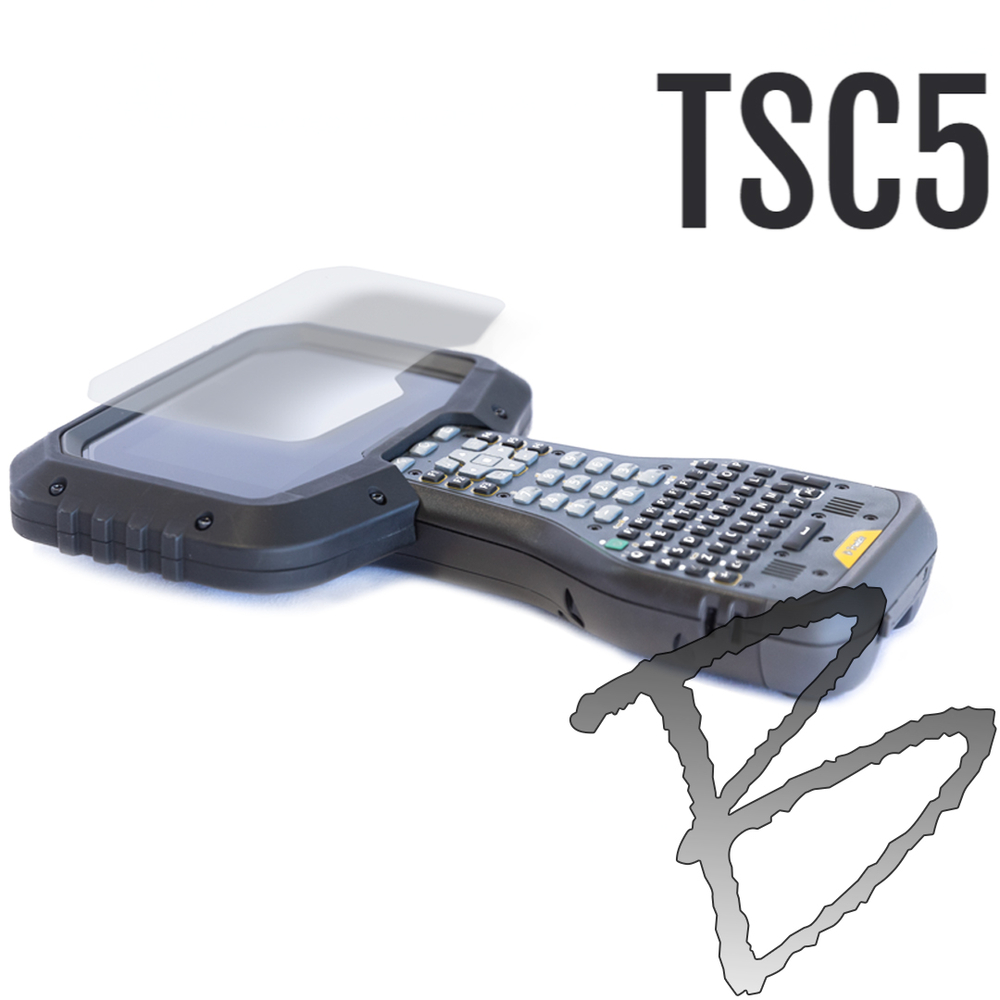
The Grade Control Products GCP120 Glass Screen Protector helps protect your Trimble TSC5, TSC510, or Spectra Precision Ranger 5 display from the scratches, impacts, and everyday wear that can lead to a costly screen replacement — Trimble kept the same physical body across the TSC5 and TSC510, and the Ranger 5 shares the same attachment points, so one screen protector fits all three. Manufactured from shatter-resistant tempered glass with a premium oleophobic coating, it keeps the display clear and reduces fingerprints and smudging without compromising touchscreen sensitivity.
The self-bonding adhesive allows for smooth, bubble-free installation and leaves no residue if removed, and precision sizing with a slight edge margin ensures proper fitment while helping prevent debris buildup around the screen perimeter.
Key Features
- Shatter-resistant tempered glass construction
- Oleophobic coating minimizes fingerprints, smudging, and oils while maintaining full touchscreen sensitivity
- Self-bonding adhesive for clean, bubble-free, residue-free installation
- Precision-cut with a slight edge margin for proper fitment and to help prevent debris buildup at the screen perimeter
- Fits Trimble TSC5, TSC510, and Spectra Precision Ranger 5
Why Protect Your Screen
- The screen is the single most common point of failure on a field controller — a crack here often takes the whole unit out of service
- Shields against dust, dirt, and moisture at the screen surface, not just impacts
- Preserves resale and trade-in value — a controller with a clean, unmarked screen is worth significantly more when you upgrade or sell it
- Extends the working life of the display, reducing how often you need to replace the controller
- Protects against data loss, not just hardware cost — a cracked or unresponsive screen mid-survey means lost data and a re-shoot, not just a repair bill
Common Applications
- Survey field operations
- Heavy civil construction
- Grade control workflows
- Equipment deployed in harsh jobsite environments
Installation Instructions
1. Clean Surface
- Wash and dry your hands before beginning
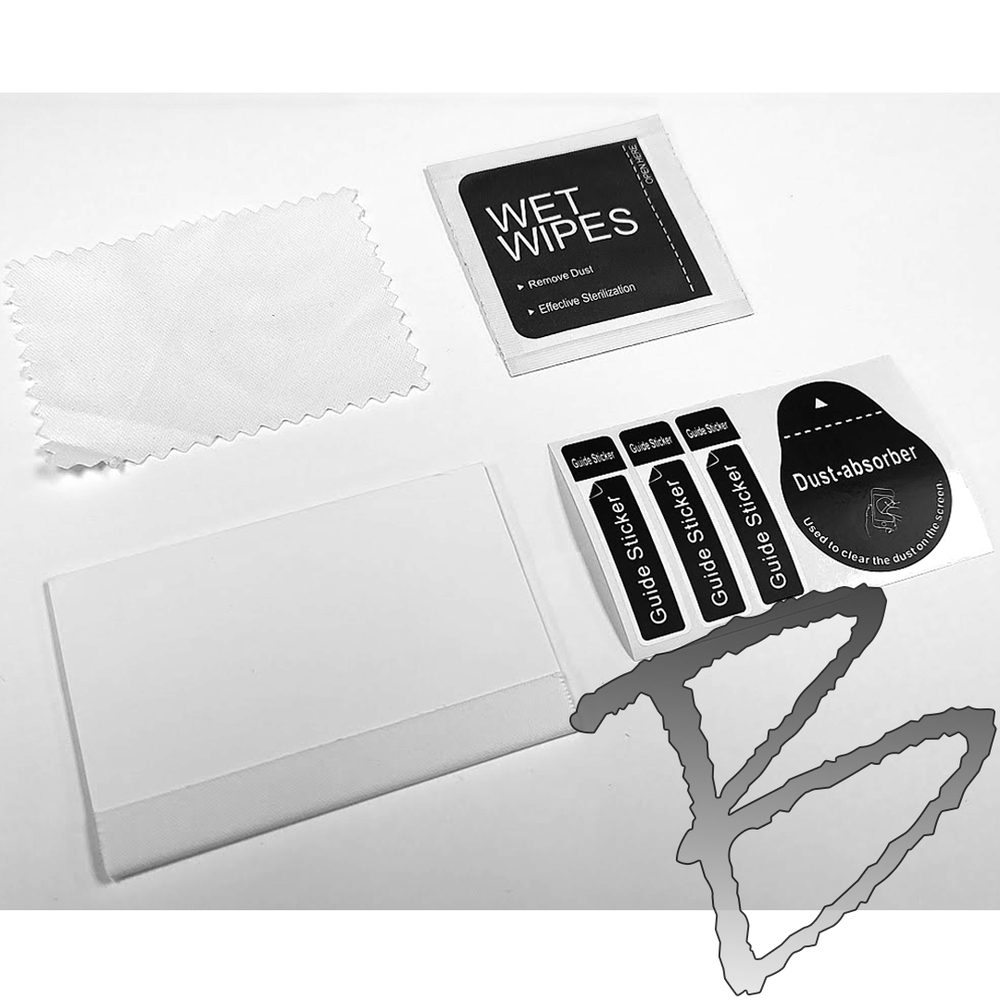
- Use the included alcohol wipe to clean the screen surface thoroughly
- Use the included dry cloth to wipe the screen dry, working from the frame edge across the screen in multiple passes to eliminate static buildup
2. Aligning
- Remove the screen protector glass from the protective foam sleeve
- Locate the tab labeled "TOP" and ensure the lettering on the screen and the glass protector read the same direction
- Align the glass protector so the margin is even around all edges
3. Guide Stickers
- While holding the glass protector centered, use the included guide stickers to tape one end to the device
- Clean the device area where the sticker will be applied first, for better adhesion
- Adjust the guide stickers to ensure the glass protector is centered on the device screen
4. Peeling Protective Film
- With clean hands, pivot the glass up using the guide stickers as a hinge until you have room to remove the film from the backside using the pull tab labeled "STEP 1"
- Hold the glass only at the edges — oil from your hands can impede full adhesion
5. Applying the Glass
- Using the included squeegee, press and push evenly to walk the air out from behind the glass, starting at the guide stickers and working side to side
- Use firm pressure to remove any remaining air bubbles by pushing them to the edges
Related Products
FAQ
Does this really fit three different controllers?
Yes — Trimble kept the same physical body across the TSC5 and TSC510, only changing the internals, and the Spectra Precision Ranger 5 shares the same attachment points. One screen protector fits all three.
Does this include a protective case?
No — pair with the GCP37 Protective Case (sold separately) for full protection.