GCP TD510 Glass Screen Protector

GCP TD510 Glass Screen Protector

$79.00

Brand: Grade Control Products LLC

SKU: GCP124

Qty:
 

Authorized Dealer

GCP TD510 Glass Screen Protector

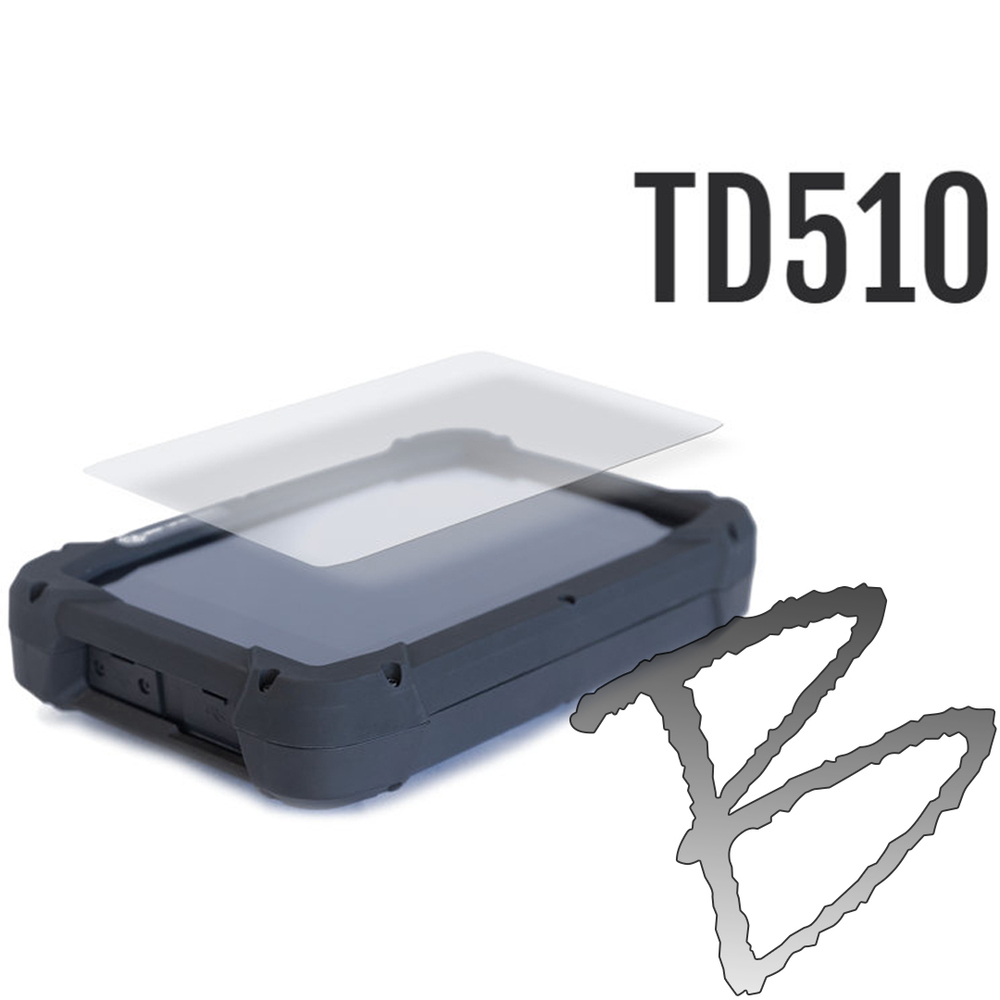
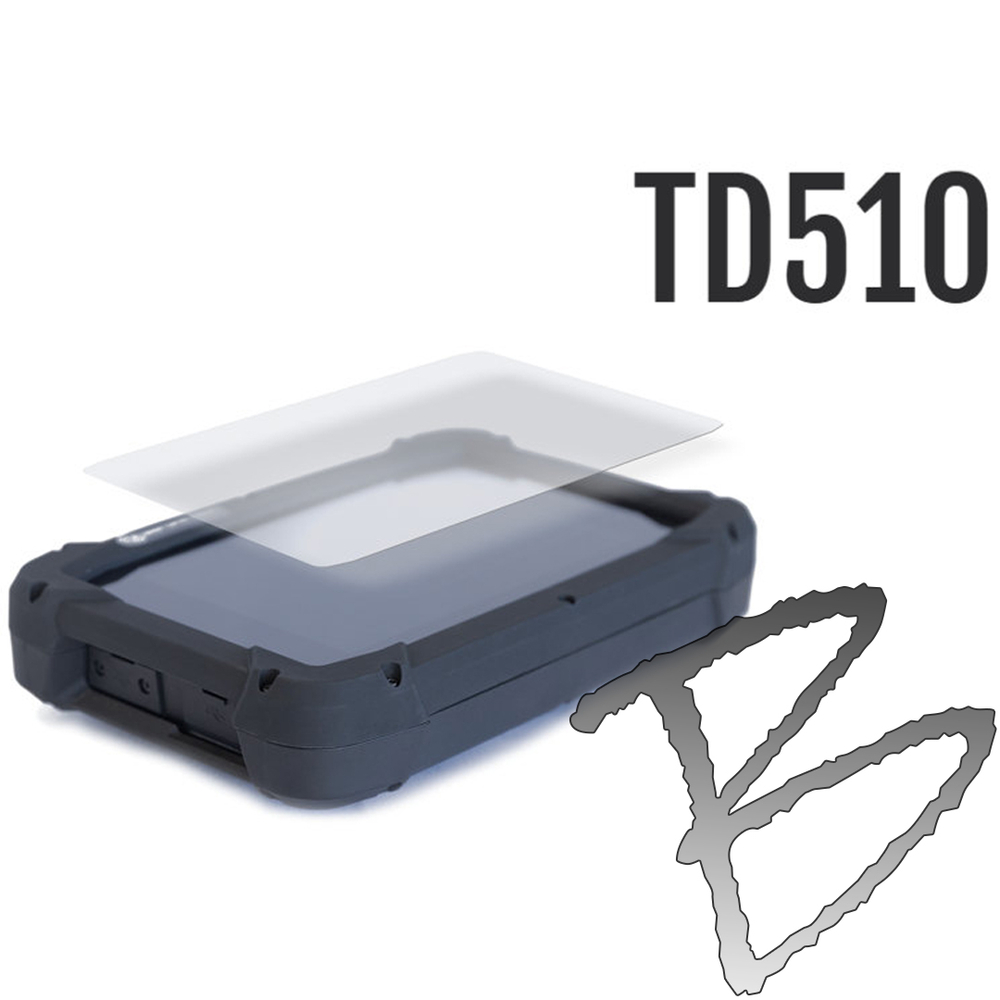
The Grade Control Products GCP124 Glass Screen Protector helps protect your Trimble TD510 display from the scratches, impacts, and everyday wear that can lead to a costly screen replacement. Manufactured from shatter-resistant tempered glass with a premium oleophobic coating, it keeps the display clear and reduces fingerprints and smudging without compromising touchscreen sensitivity.

The self-bonding adhesive allows for smooth, bubble-free installation and leaves no residue if removed, and precision sizing with a slight edge margin ensures proper fitment while helping prevent debris buildup around the screen perimeter.

Key Features
  • Shatter-resistant tempered glass construction
  • Oleophobic coating minimizes fingerprints, smudging, and oils while maintaining full touchscreen sensitivity
  • Self-bonding adhesive for clean, bubble-free, residue-free installation
  • Precision-cut with a slight edge margin for proper fitment and to help prevent debris buildup at the screen perimeter
  • Fits Trimble TD510
Why Protect Your Screen
  • The screen is the single most common point of failure on a field controller — a crack here often takes the whole unit out of service
  • Shields against dust, dirt, and moisture at the screen surface, not just impacts
  • Preserves resale and trade-in value — a controller with a clean, unmarked screen is worth significantly more when you upgrade or sell it
  • Extends the working life of the display, reducing how often you need to replace the controller
  • Protects against data loss, not just hardware cost — a cracked or unresponsive screen mid-survey means lost data and a re-shoot, not just a repair bill
Common Applications
  • Survey field operations
  • Heavy civil construction
  • Grade control workflows
  • Equipment deployed in harsh jobsite environments
Installation Instructions

1. Clean Surface

  • Wash and dry your hands before beginning
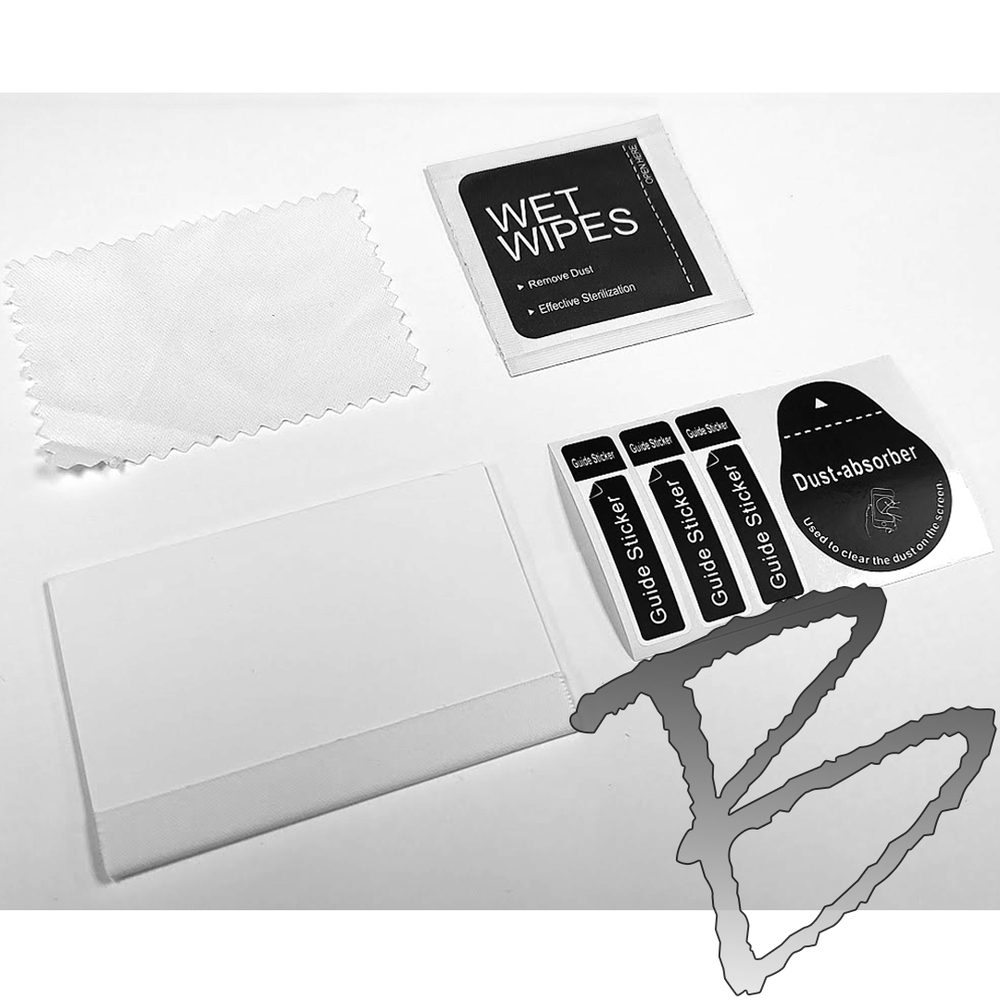
  • Use the included alcohol wipe to clean the screen surface thoroughly
  • Use the included dry cloth to wipe the screen dry, working from the frame edge across the screen in multiple passes to eliminate static buildup

2. Aligning

  • Remove the screen protector glass from the protective foam sleeve
  • Locate the tab labeled "TOP" and ensure the lettering on the screen and the glass protector read the same direction
  • Align the glass protector so the margin is even around all edges

3. Guide Stickers

  • While holding the glass protector centered, use the included guide stickers to tape one end to the device
  • Clean the device area where the sticker will be applied first, for better adhesion
  • Adjust the guide stickers to ensure the glass protector is centered on the device screen

4. Peeling Protective Film

  • With clean hands, pivot the glass up using the guide stickers as a hinge until you have room to remove the film from the backside using the pull tab labeled "STEP 1"
  • Hold the glass only at the edges — oil from your hands can impede full adhesion

5. Applying the Glass

  • Using the included squeegee, press and push evenly to walk the air out from behind the glass, starting at the guide stickers and working side to side
  • Use firm pressure to remove any remaining air bubbles by pushing them to the edges
Related Products
FAQ

Does this include a protective case?
No — pair with the GCP81 Protective Case For TD510 (sold separately) for full protection.

  • Product Type: Glass screen protector
  • Compatible Device: Trimble TD510
  • Material: Tempered glass
  • Surface Treatment: Oleophobic coating
  • Adhesion Type: Self-bonding adhesive