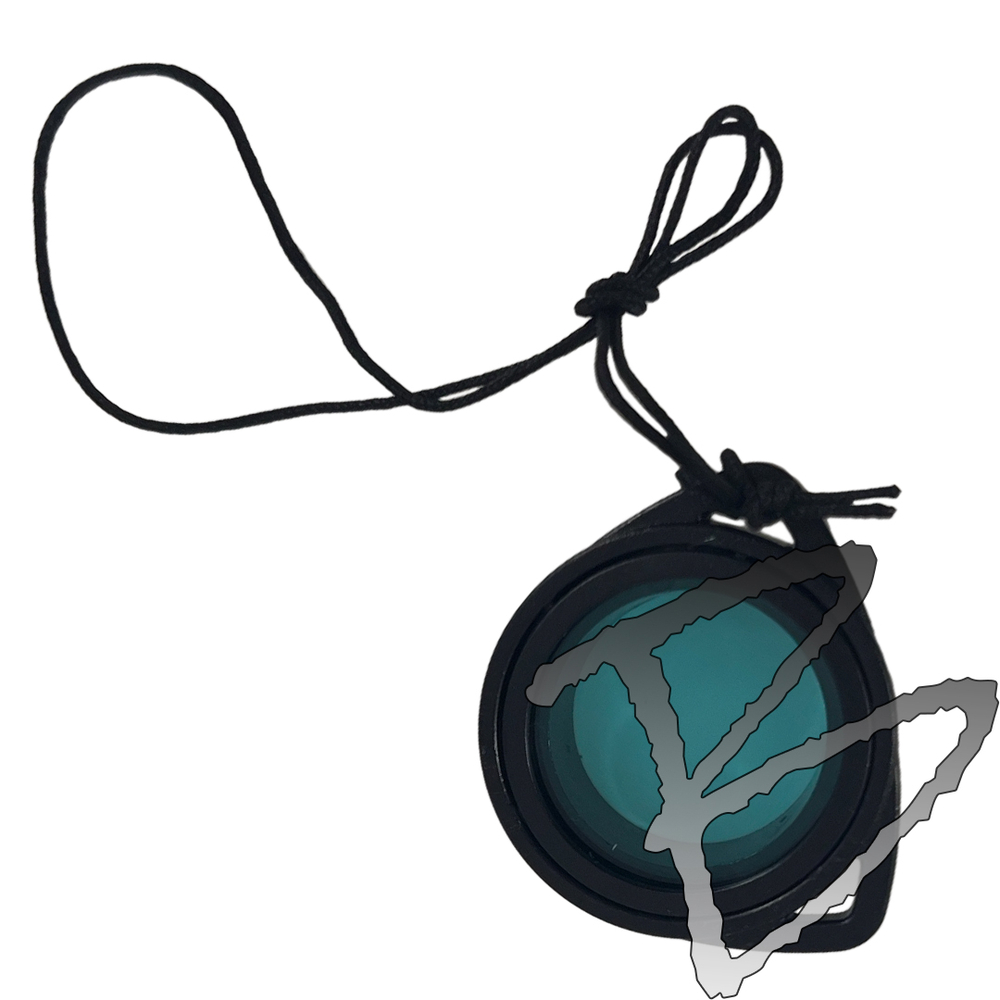
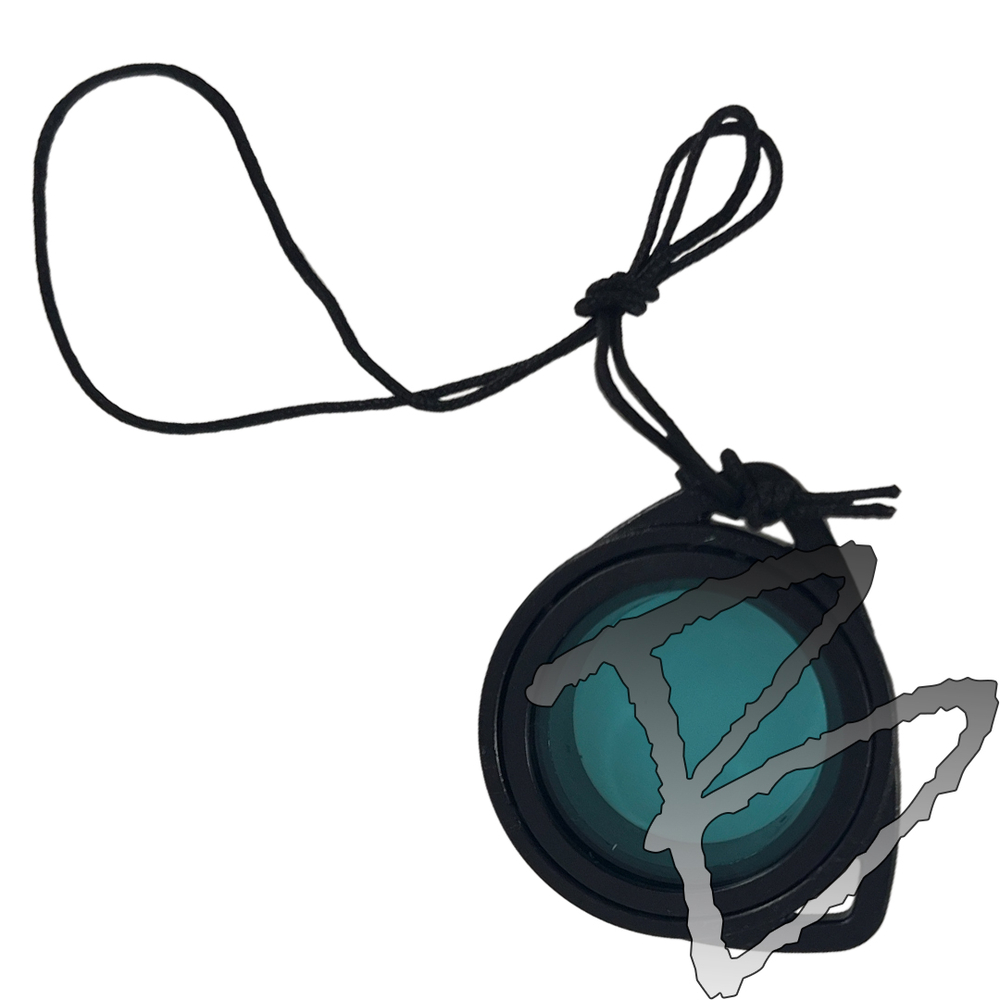
Foliage Filter for the TruPulse Model 200X and legacy Models 200L, 200, 360, 360R
Use to filter out foliage or obstructions and only acquire a reflective target.
Lens filter to be used in conjunction Filter Mode to only detect measurements returned from a reflector.
Place over bottom (receive) lens of laser to filter out foliage or obstructions around the target.
When the Filter Target Mode is Active:
The laser's sensitivity is reduced so the laser only detects laser pulses returned from a reflective target.
This means that the TruPulse will reject laser pulses from a non-reflective target.
Typical maximum distance is 350 feet (107 meters) to a 3-inch (7.5 cm) reflector in dense foliage.
The TruPulse will detect pulses from any reflective target. You may see slightly less performance with a less reflective target, or slightly more with a more reflective target.
When the Filter Mode is active, there will be an icon or letter character illuminated to notify user is in the Filter Mode.
Directions for use:
Attach the Foliage Filter tether around the metal post attachment point on the laser.
Place the Foliage Filter over the TruPulse Receive Lens
Align the Foliage Filter to fit properly, align the filter tether loops to the bottom of the Receive Lens.
Press the Foliage Filter all the way into the lens cavity.
Turn on Filter Target Mode in laser
Aim at a reflective target
WARNING - This product contains chemicals known to the state of California to cause cancer, birth defects or other reproductive harm. For more information go to www.p65warnings.ca.gov.